be95ece466
- [x] fix README link to docs
- [x] rename `Alice and Bob` to `First example: "Alice and Bob"`
- [x] add `Import/Export`link
- [x] add `<kbd>` tag on `Ctrl+S`
976 B
976 B
Import and Export editable PlantUML Diagrams
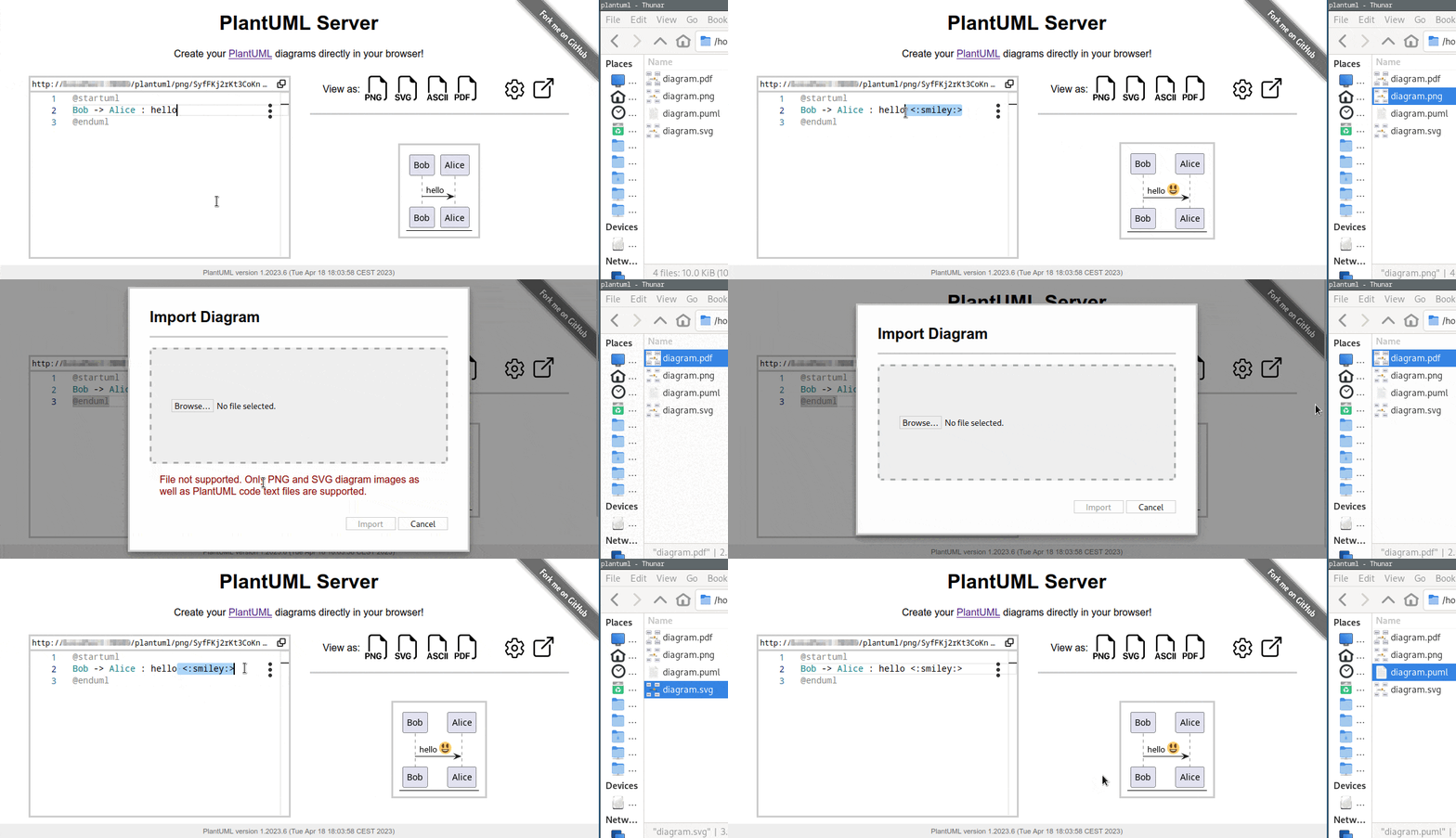
Similar to draw.io it is possible to load and continue editing PlantUML diagram images.
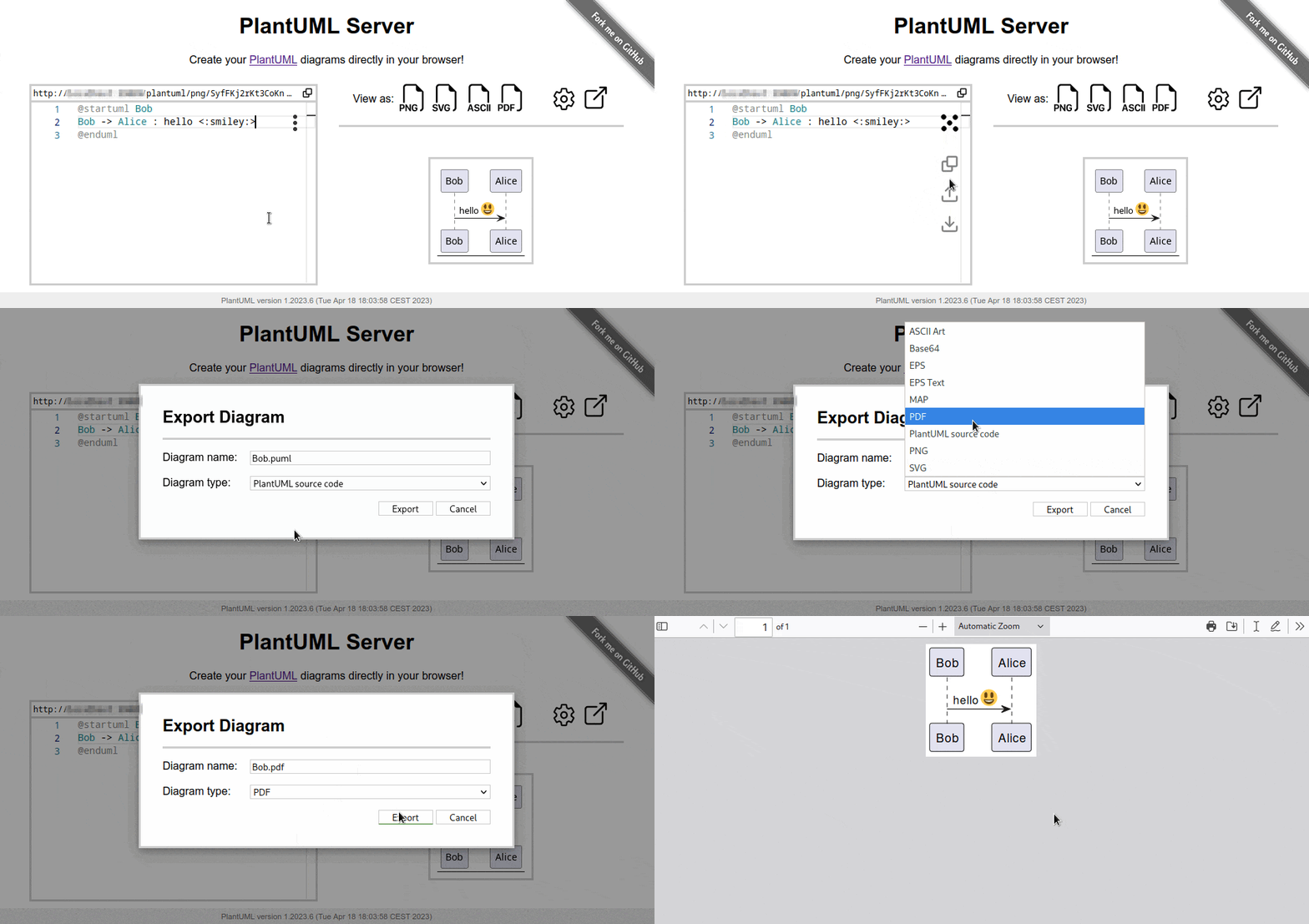
Export a diagram
Via the editor menu or Ctrl + S (or Meta + S in the case of a Mac) you can open the file save dialog. Here you can edit the file name, choose a file/diagram type and download the diagram. The default is to download the PlantUML code.
Import a diagram
This feature is based on the PlantUML meta data which currently support only PNG and SVG diagrams. Besides a diagram image, you can of course also load a diagram code file. Moreover, because it is so nice and convenient, we also added a drag-and-drop feature.